Remove the password expiration policy from a user in Entra with PowerShell
I’ve had to remove the password expiration and reset policy for users this a few times this week and I keep forgetting the exact command.
I wanted to write this down in case I need to do it again.
I ran this command in PowerShell 7:
Import-Module Microsoft.Graph
Connect-MgGraph

Get-MgUser -UserID '<UPN OF THE USER@DOMAIN.COM>' | foreach { Update-MgUser -UserId $_.id -PasswordPolicies DisablePasswordExpiration}
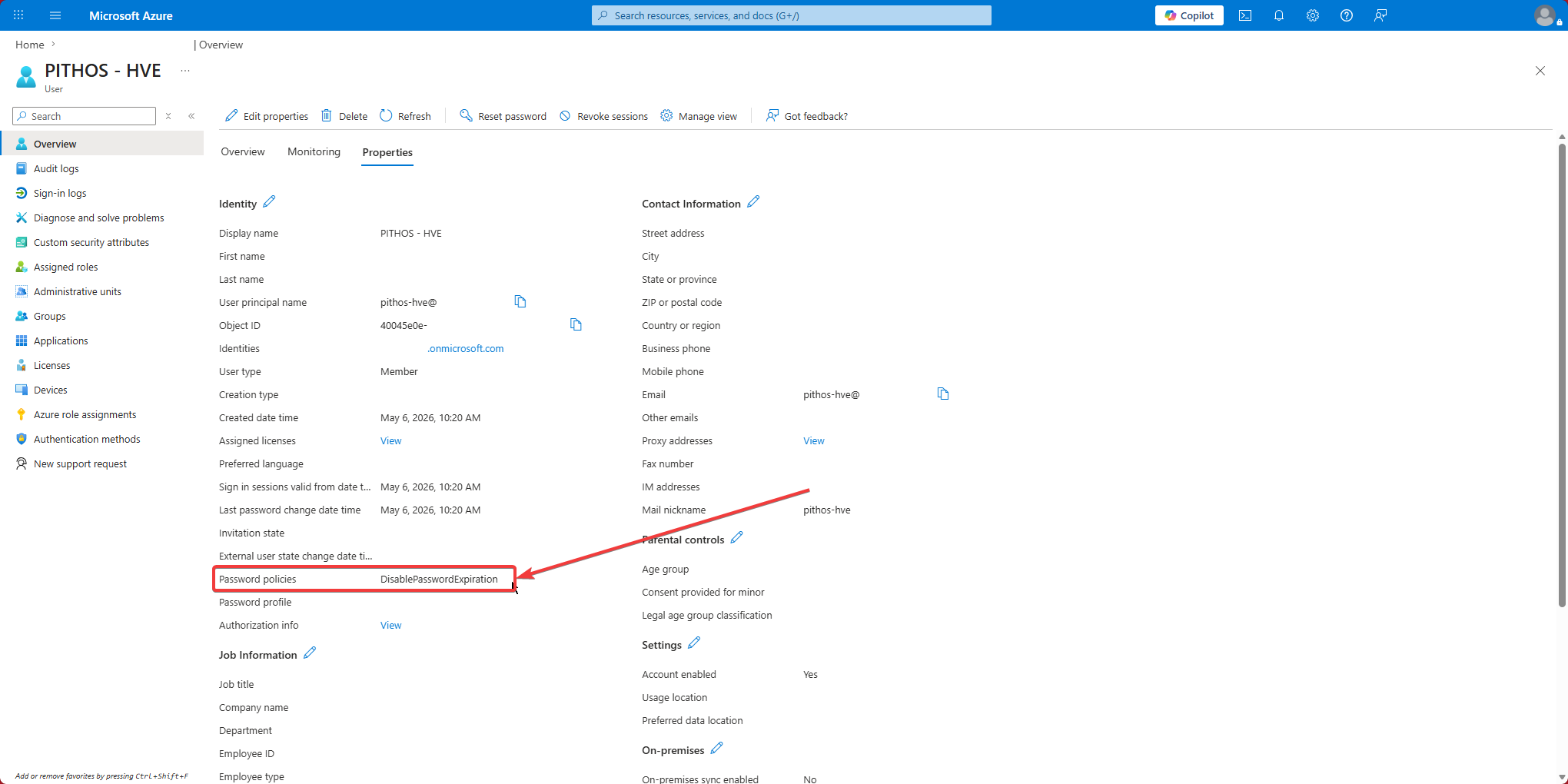
After running this command, the “Password policies” field in Entra ID on the Properties tab changes to “DisablePasswordExpiration”: